

Getting Started
Last modified by Cloud24 on 03.09.2000
Getting Started
Introduction to object storage
Web-Based Object Storage Management Console
To access the web console, navigate to https://s3-admin.cloud24.kz/ and enter your credentials.
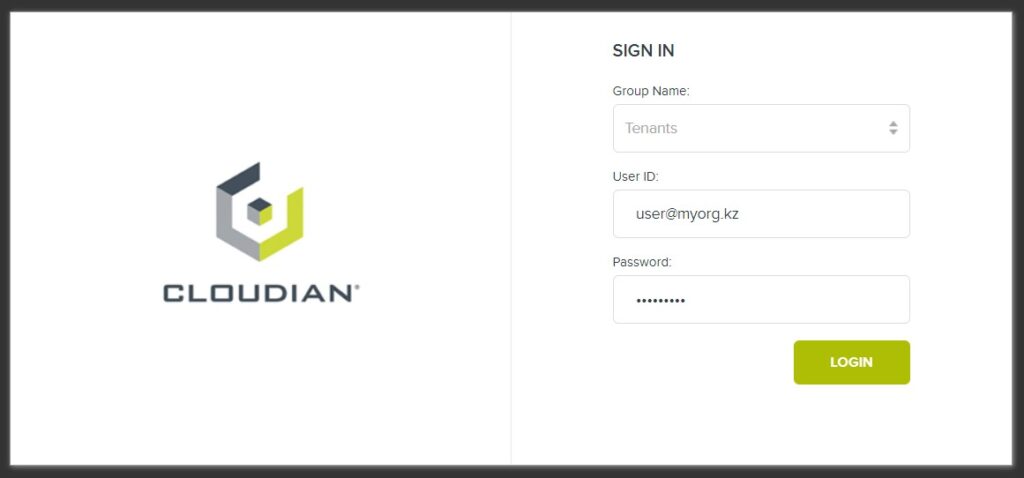
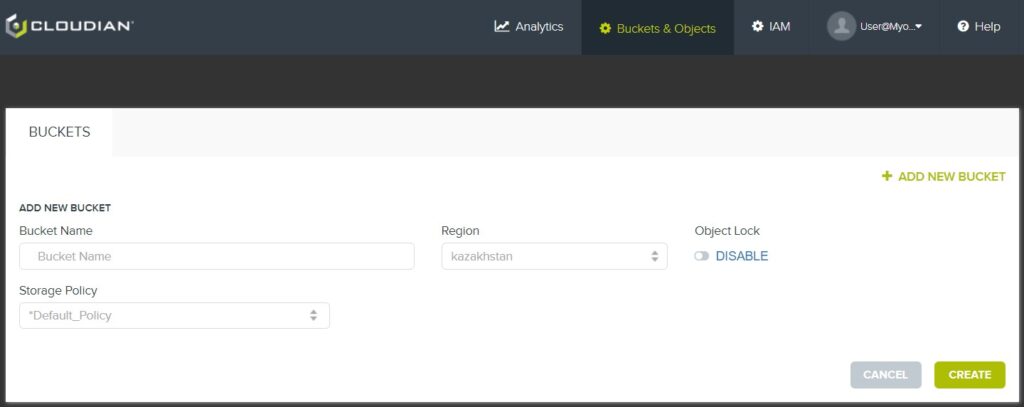
Using the web-based object storage management console, you can:
- Create and configure buckets, as well as upload and download objects;
- Manage your account;
- Analyze service usage;
- Optionally create IAM users within your user account (sub-users whose actions are accounted for under your user account).
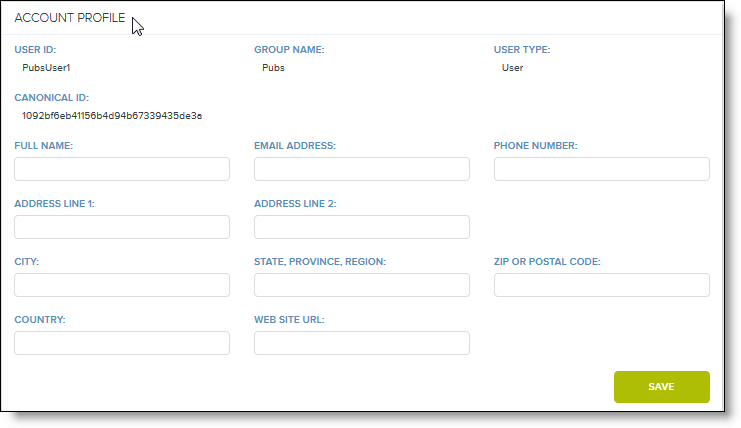
User Profile
In the upper right corner of the console interface, hover over your username to display a drop-down menu where you can select Profile.
Credentials
In the upper right corner of the console interface, hover over your username to display a drop-down menu where you can select Security Credentials.
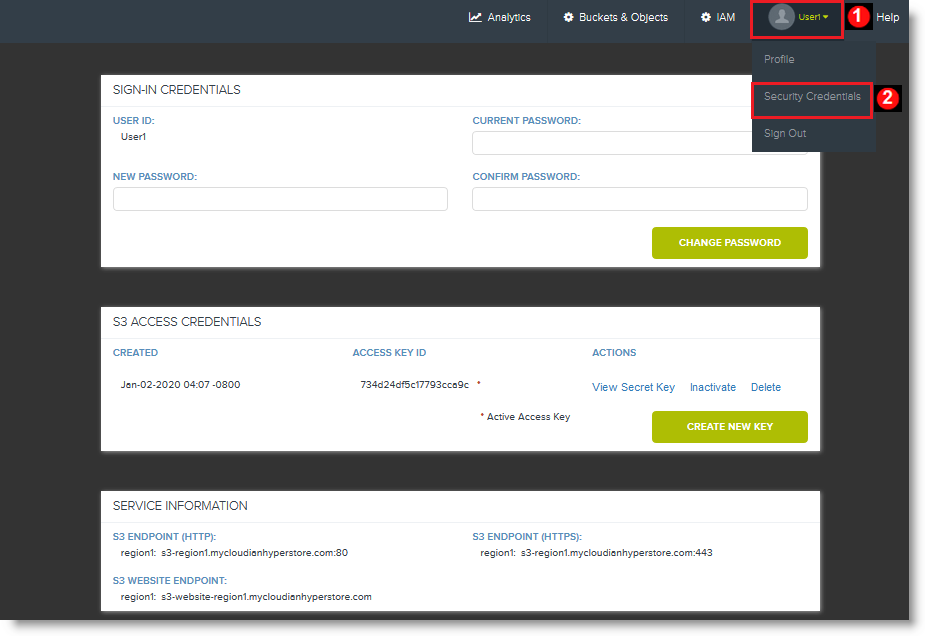
On the screen that opens, you can:
- Change your console login password;
- Manage your S3 access keys;
- View service details, such as connection endpoints.